AI Targeted Approach
testing out lots of visual directions
Ideation using AI and 3D
The initial route that we were playing around with, especially since the article revolves around security in the age of AI, was to use generative AI to create a trippy looking lock that fits into the environment and is shifting into different styles or elements.
The first two frames show our experiments using only Runway AI, the third one is a quick 3D lock animation that we then fed into AI to change the style and the last one is just a 3D sketch to test out a more wireframe looking direction.
We quickly abandoned the idea of using AI for this since we weren't happy with the results that it could provide at the time.
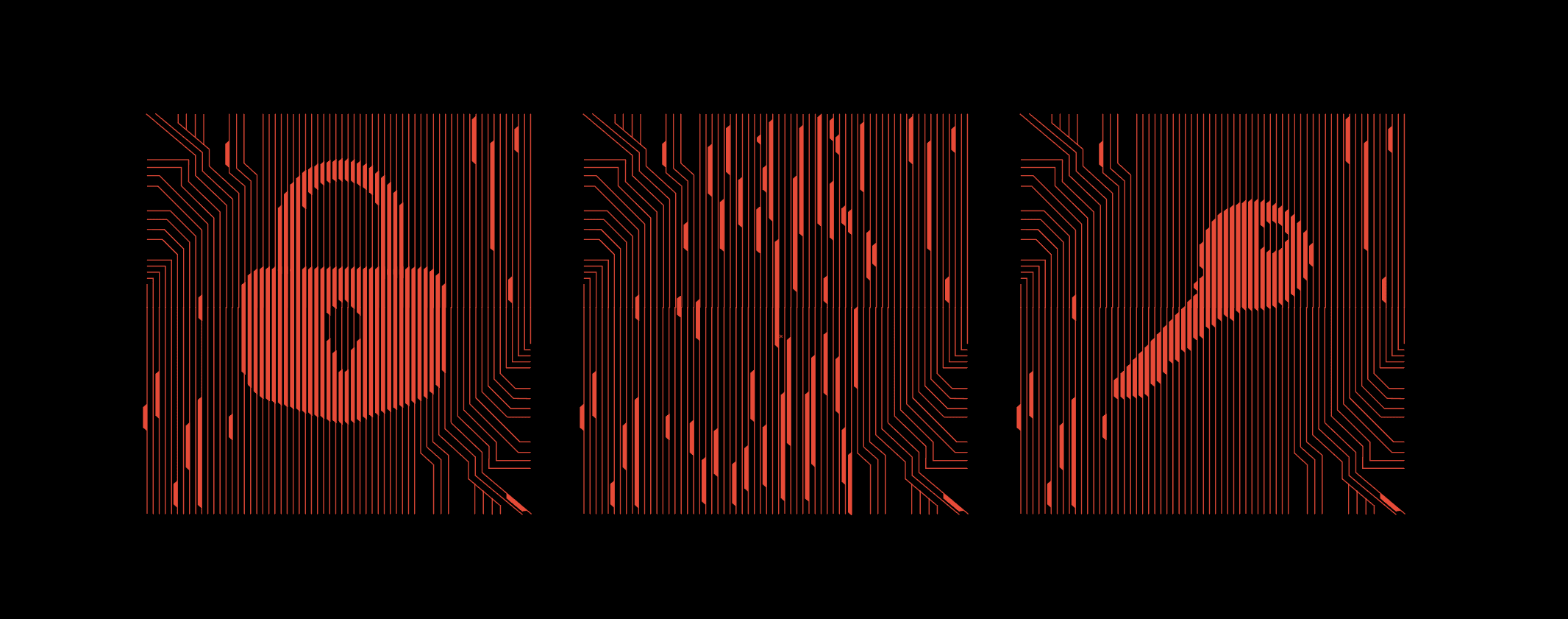
The style we landed on for the hero animation
we chose a route that's closer to the client's brand
animating irregular paths
Looking through the Palo Alto brand book we noticed various decorative elements that were being created out of repetitive vertical stripes with tapered edges.
This motivated us to propose this new style, creating the lock element that the client asked for along with a key that it morphs into.
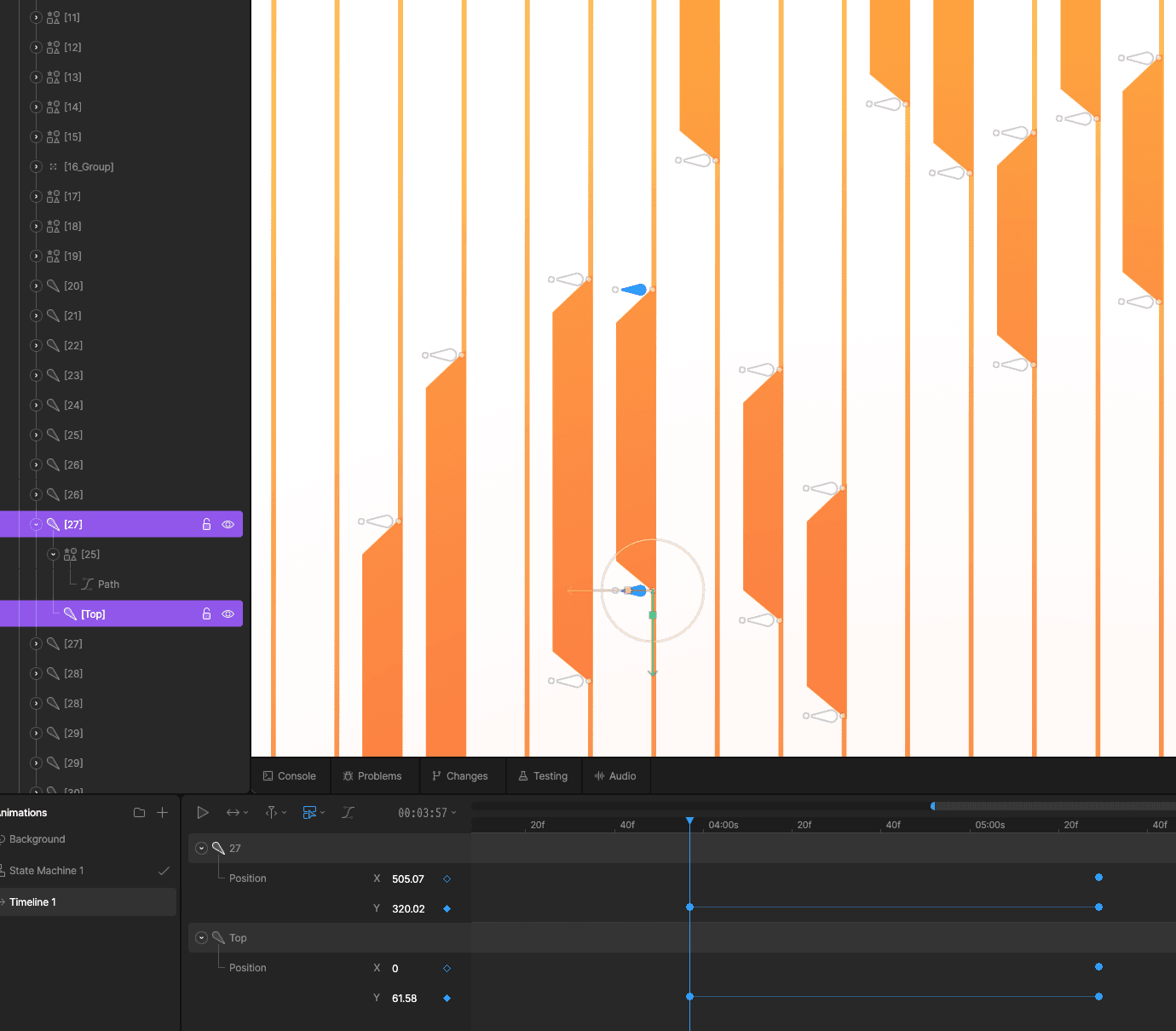
The only downside: animating irregular paths in Rive proved a bit tedious. Instead of using regular trim paths, I ended up creating small two bone rigs for each line.
playing around with the game of life
thinking up more animation concepts
For the first inline animation I took inspiration from John Conway's Game of Life (top half), which is a popular emergent system that shows you can mimic lifelike behavior through a set of simple rules, such as a cell changing states based on how many neighbors it has.
I thought that this would fit nicely with the theme of virtual security and imagined it at first as a virus spreading. Adding skulls looks a bit too spooky for adverts though, so instead I replaced it with a ladybug.
frame by frame pixel art turned vector animation
it was actually relaxing
This is a social media post I did for HLabs showing my process for creating the pixel art bug animation.
I'm using an indie game favorite app called Aseprite to create the frame by frame animations. I'm then exporting everything as SVG and using the shape builder tool in Illustrator to cut out a grid of vertical lines to fit the frames.
The lines use a custom brush that I made, which adds the tapered edges on the top and bottom of each line.
Finally, I export the individual frames and animate them in Rive using a solo layer.
same process but using rotoscopy
i wanted a 3D looking animation
For this animation I wanted to get a more choppy aesthetic to the lock animation so that it contrasts nicely to the more fluid vector animation of the elements around it.
To achieve this, I created a few frames by hand of the lock opening using simple shapes in Illustrator, then built the final tapered line frames using the shape builder tool as before.
The carousel uses entry and exit animations in order to transition smoothly between the looping states.
the initial prototype for the carousel used a slider
enabling more complex interactions
Initially we wanted to use a slider to transition between the states, but later on decided that using buttons was easier to sell from a UX standpoint.
This is a small prototype that I did for the slider version. What I discovered was that in order to have the knob follow your cursor only when holding down the left mouse button, you need to chain multiple elements together: the element responsible for dragging gets enabled by the one responsible for handling clicks.